
Steps
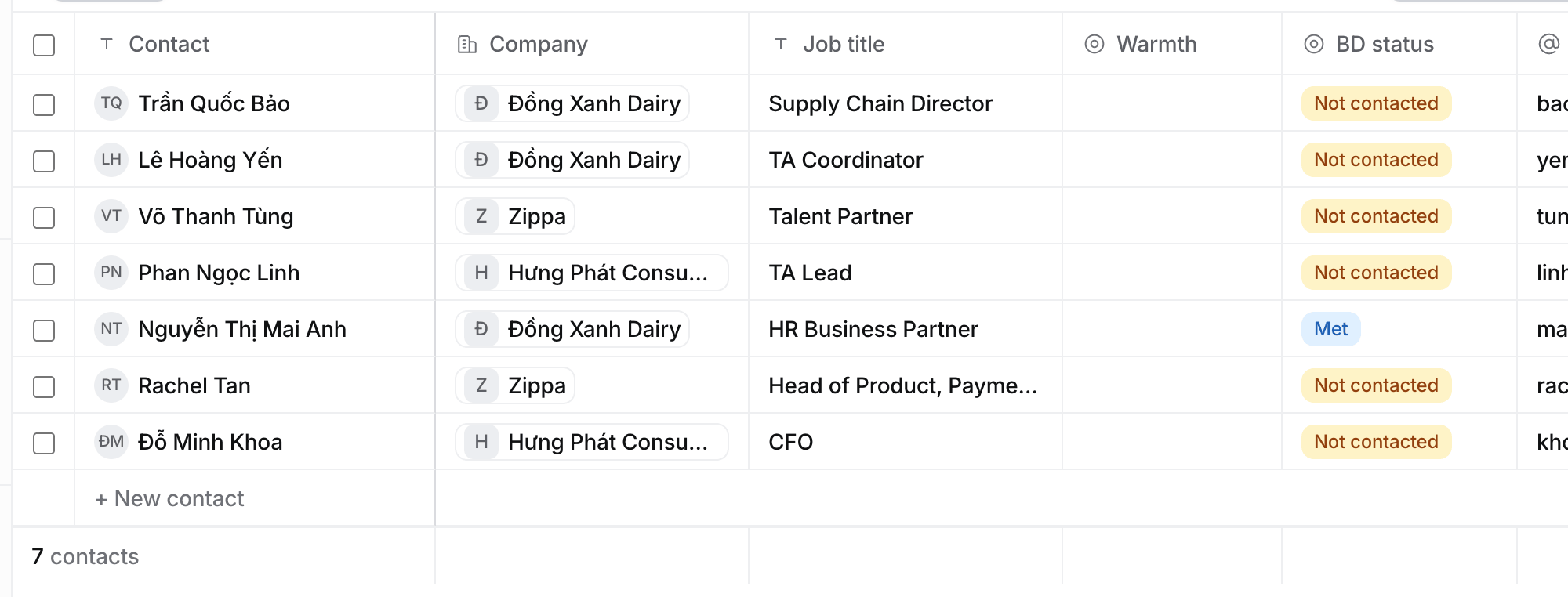
- Open Contacts. The BD status column sits after Warmth.
- Filter or group by BD status to see who you have not called yet.
What each status means
A target’s Decision-makers show the same status next to each name.
Called only means the call happened. When a company shows no interest, move its target to Lost.