
Merge people
1
Select the duplicates
On Contacts or Candidates, tick two or more rows for the same person, then select Merge.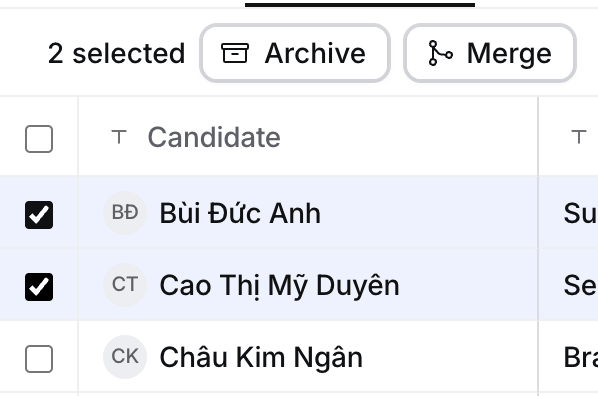
2
Choose what to keep and merge
Pick the Record to keep (for candidates, the oldest) and the name or role where they differ, then select Merge. Hire says Merged into name with Undo.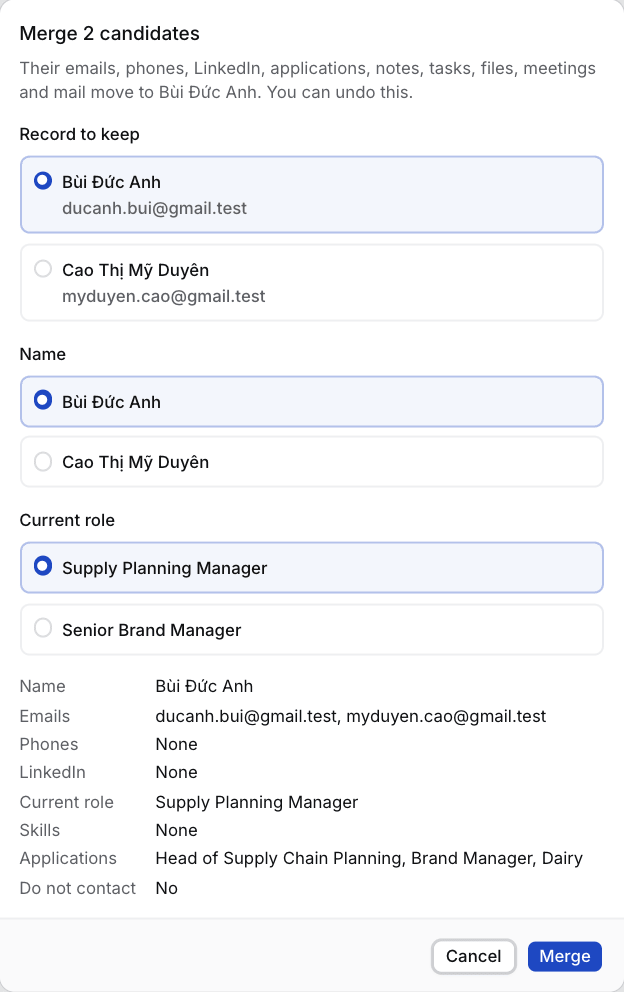
Merge companies
1
Open the company you keep
Select ⋯ › Merge a duplicate into this company, choose the duplicate, then Merge. Or tick both on Companies and select Merge. Hire says Merged into name with Undo.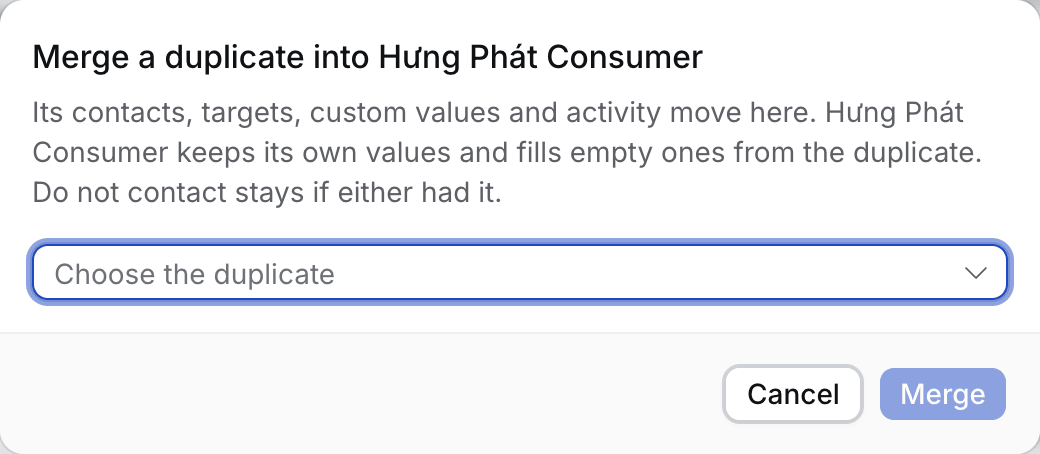
What moves and what stays
Do not contact stays if either record had it. The same job applied to twice keeps the kept candidate’s application and archives the other. The kept person’s primary email and phone stay primary; the other person’s are added after them.
If something looks wrong
- Merge is greyed out. The record or its company is archived. Restore it first.
- Undo says to undo the later merge first. The kept person or company was merged again since. Undo that one first.
- Archiving a company asks “Merge into it instead?” It looks like a duplicate. Merge is the default, Archive anyway archives it.
- An old link opens another record. It belonged to a merged person and opens the record you kept.