Import the clients and candidates that Gmail, your calendar and Echo didn’t bring, in about 15 minutes. Get started first: it finds most of your people for you.
1

Import your client contacts

On Contacts, select Import › Import CSV and follow How to import contacts.
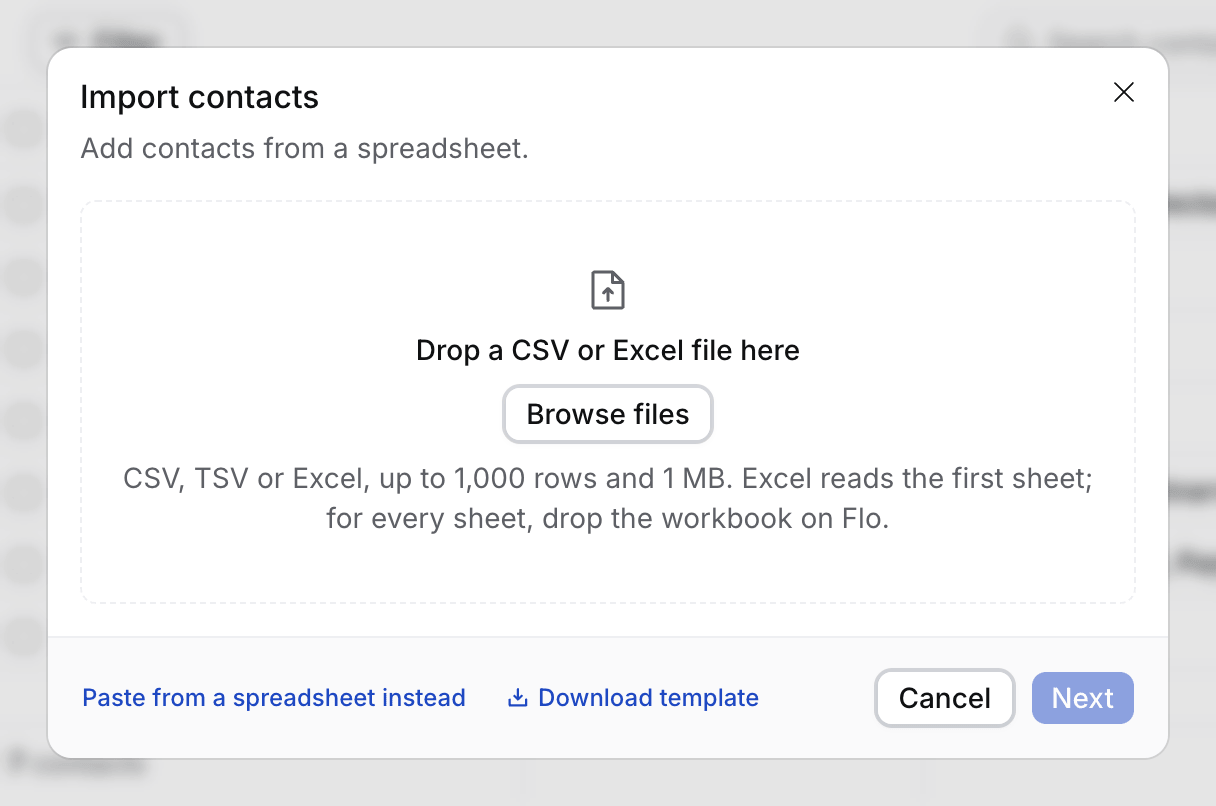
The first step of Import contacts: one drop zone, the file limits in one line, and the Paste from a spreadsheet instead and Download template links
2

Import your candidates

On Candidates, import a sheet or select Upload CVs. See How to import candidates.
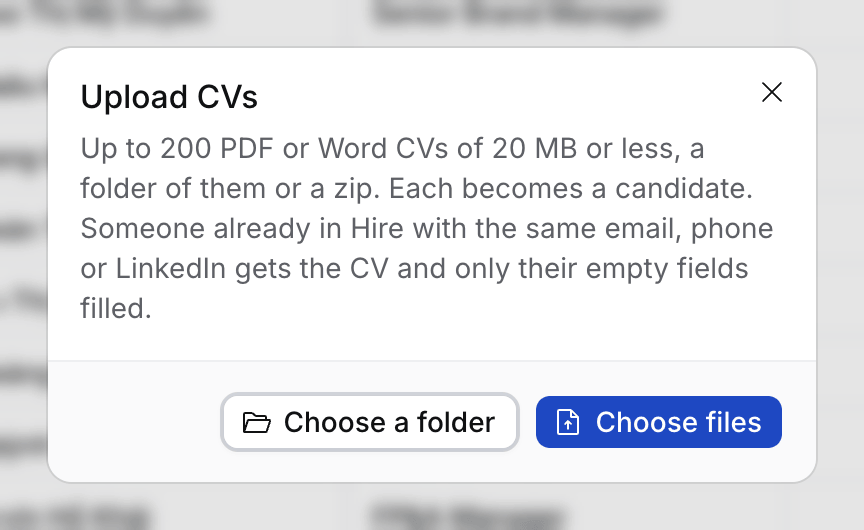
The Upload CVs dialog with Choose a folder and Choose files
3

Import your job tracker

On Jobs, select Import a tracker and Flo plans the whole import. See Import your data with Flo.
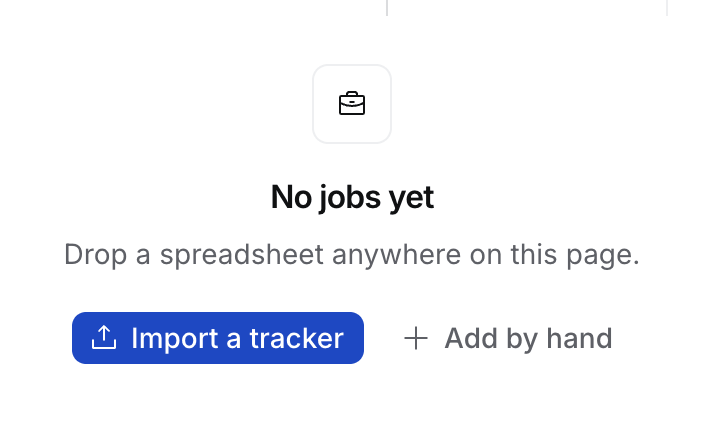
The empty Jobs page: No jobs yet, with Import a tracker and Add by hand
Everyone you import counts as in Hire: their mail comes into your Inbox. You can undo an import for 14 days.