
Steps
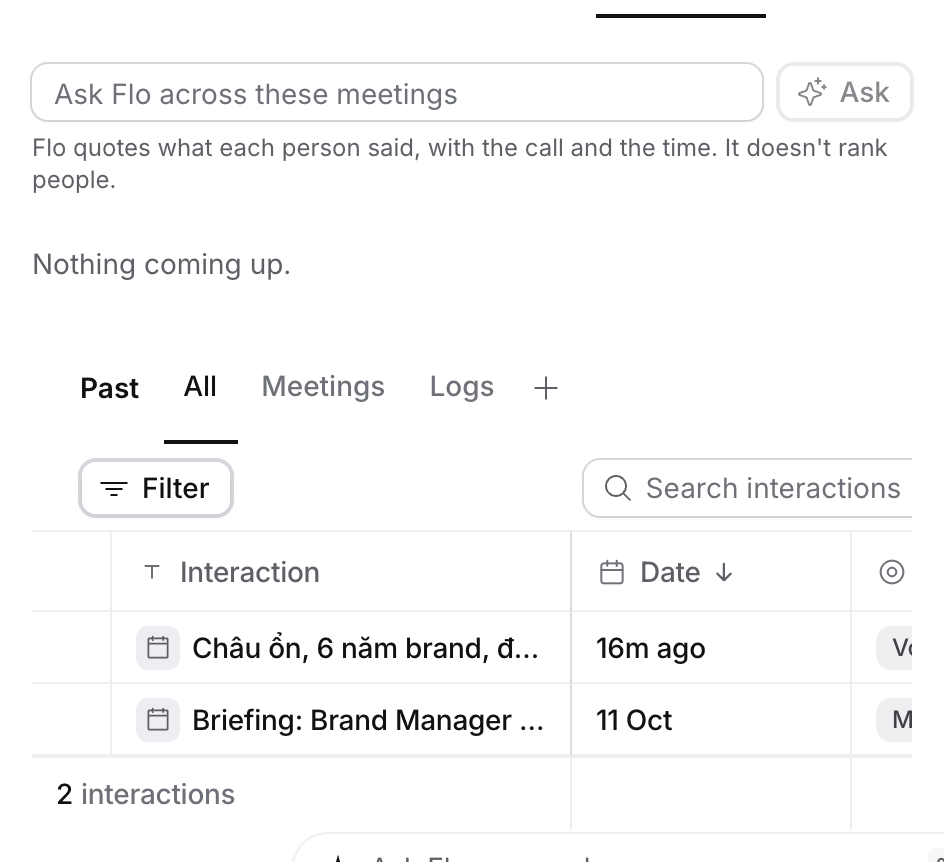
- Open the Job, Candidate or Contact and select its Meetings tab.
- Type your question in Ask Flo across these meetings, such as “What did the client say about the salary range?”.
- Select Ask. Flo opens beside the page and reads the meetings.
What happens next
- Flo answers with what each person said, naming the call and the time.
- Flo doesn’t rank candidates. Use How to review applicants to compare them against the ideal candidate.
- Ask a follow-up in the same chat. A question on another record starts a new chat.
Troubleshooting
- Flo says not everything fit. Narrow the question, for example to one topic or one candidate.
- A call is missing. Flo reads meetings filed on the record, up to the newest 100. File a recording on the record first. See How to file a recording.
- No box on your phone. It’s on the desktop only.