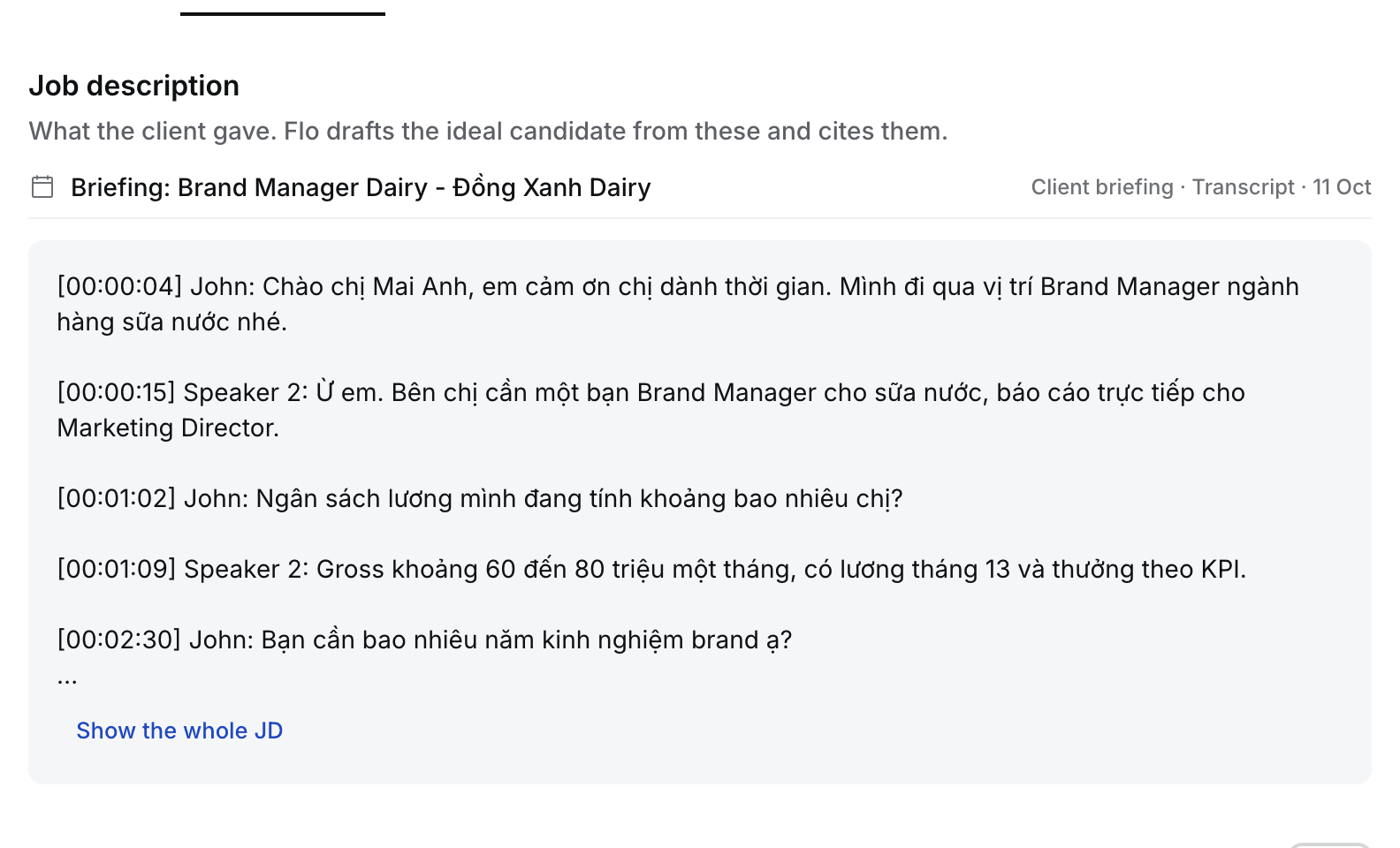
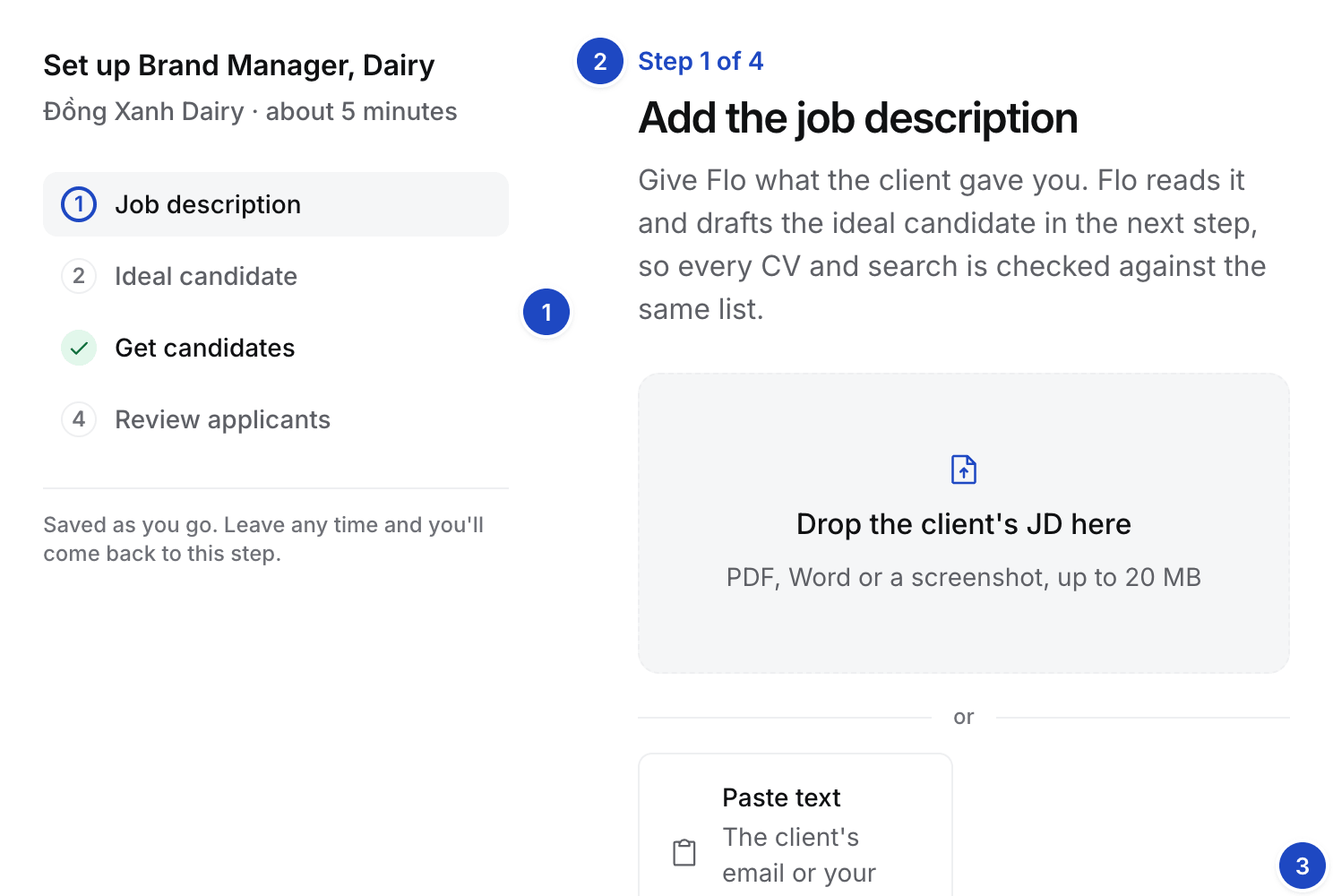
In the guided setup
- Open the Job. A Job whose setup isn’t done opens on Step 1 of 4, Add the job description.
- Under Already in Hire, the step lists what Hire holds for this Job: each client call with a transcript or notes, and the client’s files on the Company. Select Use this call to draft from a call, or Attach to put a Company file on the Job.
- Or drop the file on the drop zone, or select Upload JD. PDF, Word or a screenshot, up to 20 MB.
- Or select Paste text and paste the client’s email or your notes. The Also helps chips open the same ways in: intake call notes, a client email or a scorecard.
- Flo reads it. The step reads “Flo is reading the JD” for about a minute. You can leave the page.
On the Job description tab
Open the Job’s Job description tab. The left column lists what the client gave you. The right column holds the Ideal candidate. Select Draft with Flo to draft it from the files and notes on the left, or Write it yourself. When the tab is narrow, for example with Flo’s panel open, the Ideal candidate moves below the job description.