
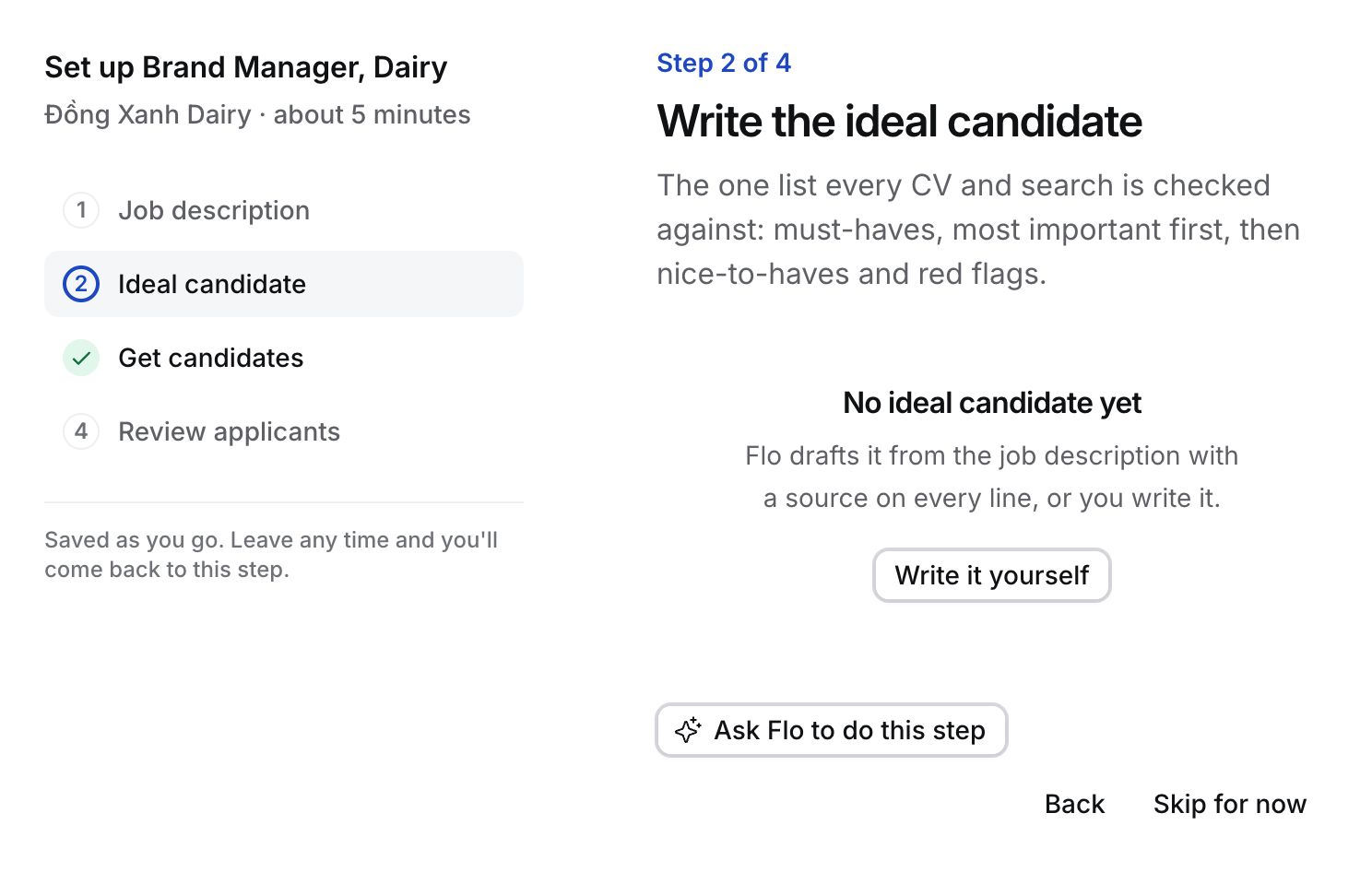
- Open the Job’s Job description tab, or step 2 of the guided setup.
- Read each line. Select Edit to change, add or reorder lines. Put the must-have the client cares about most first.
- Select Confirm (in the guided setup, Confirm and start CV review). The draft becomes the Active version, for example v2.
What confirming does
- Searches and CV review use the Active version from now on. Nothing is judged against a draft.
- In the guided setup, confirming switches CV review on for the Job, unless someone already paused it.
- Every change makes a new version. Older versions stay, and each CV review names the version it was judged against.