
1
Connect Echo
In Your account › Connections, select Connect under Meeting recorder and approve. Wrong account? Select Use another account on Echo’s screen.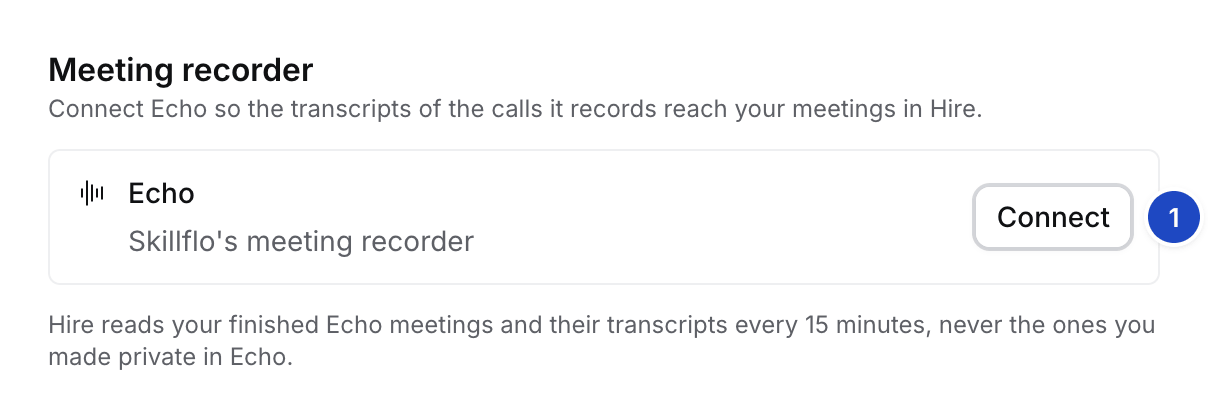
2
File recordings with no event
A phone recording or voice log with no calendar event waits under To file on Meetings. Open it and select File to record or Link to event.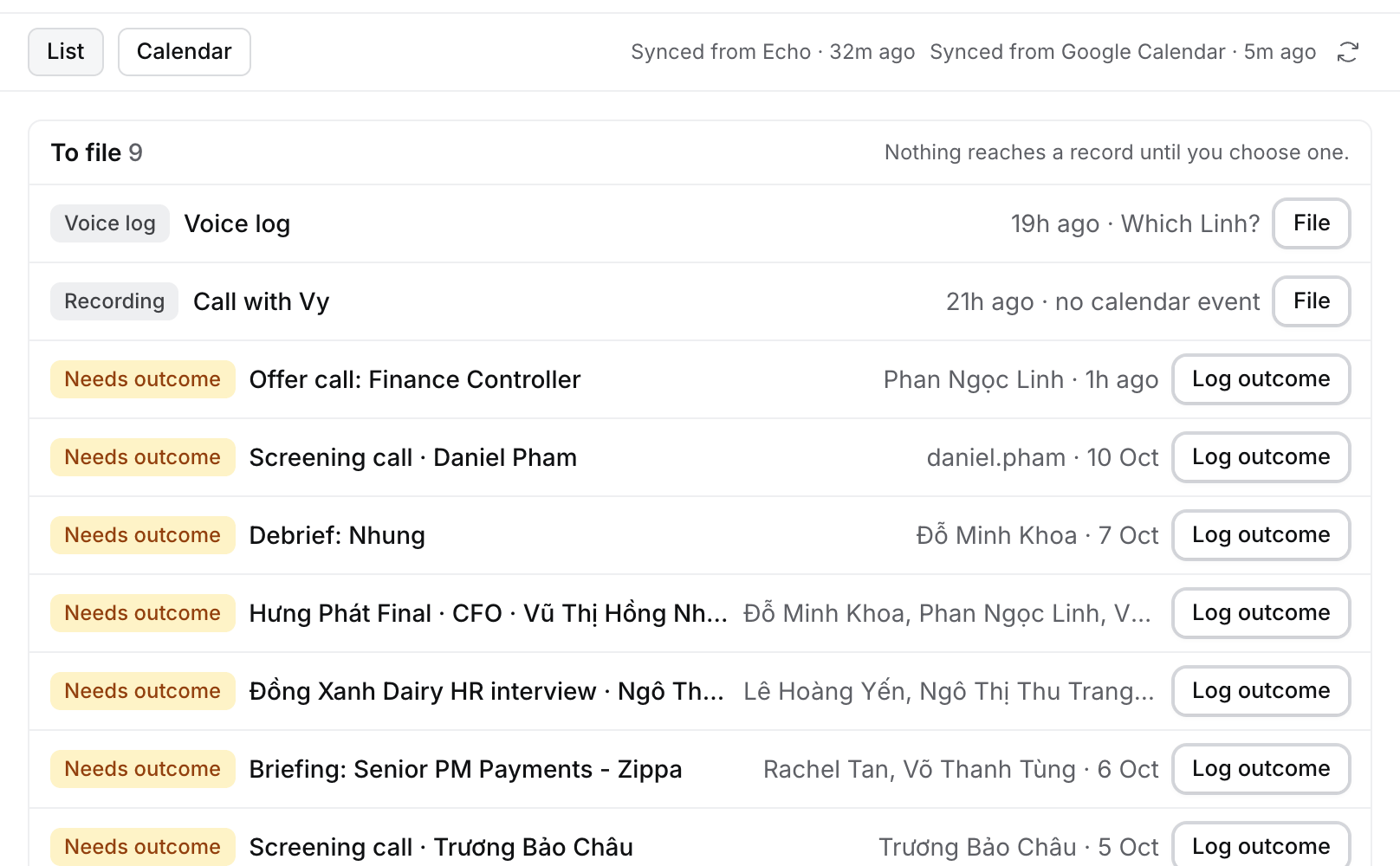
3
Approve what Flo proposes
After each call, Flo proposes the outcome and the changes it implies. The cards wait in Tasks › To review. See File a call.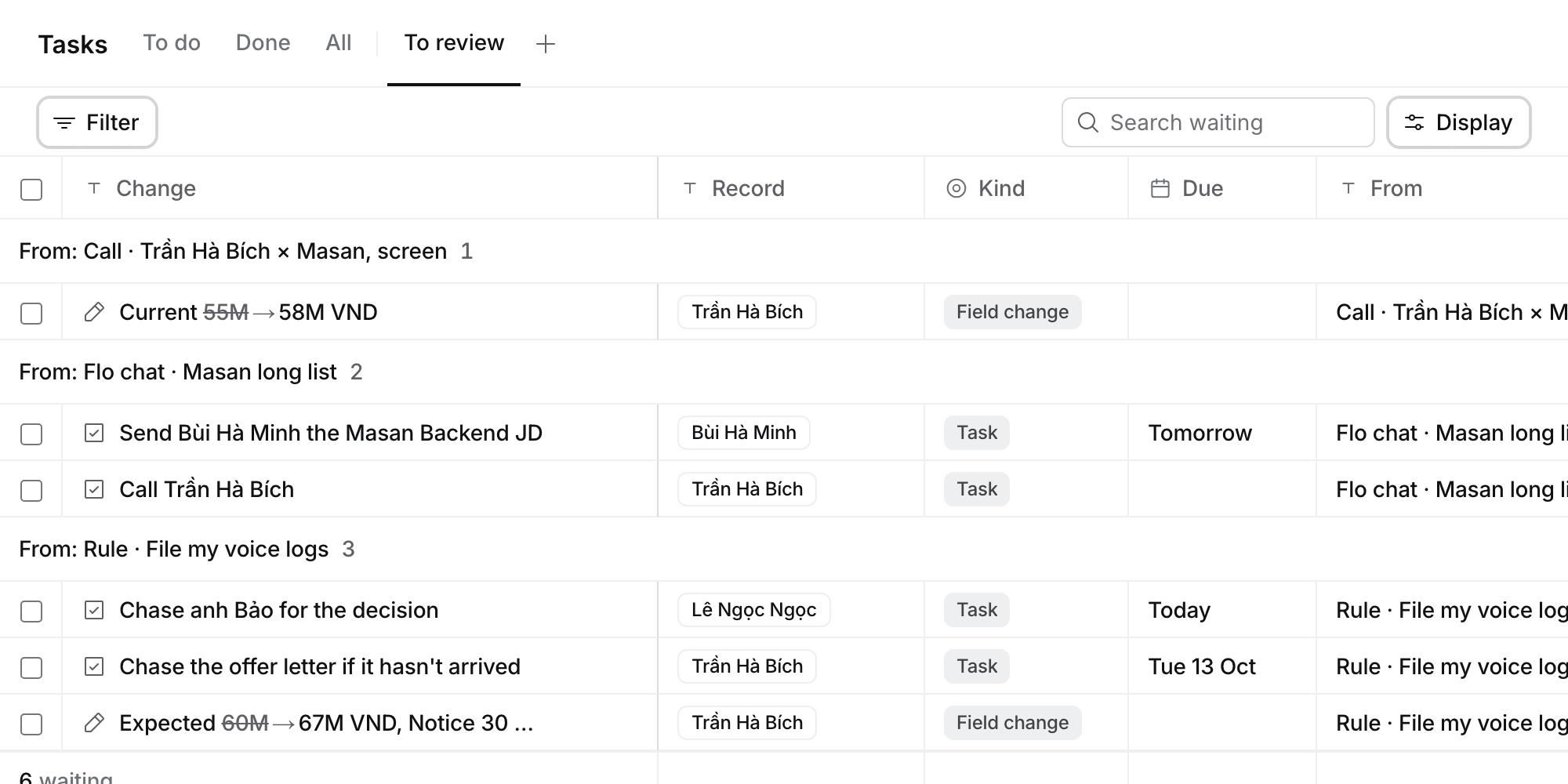
What Hire reads from Echo
Hire never reads meetings you made private in Echo. Only you see your recordings and Echo contacts.
If something looks wrong
- Connected before 13 October 2026? Select Reconnect once to bring in your Echo contacts.
- Settings says Needs attention. Select Reconnect.
- A voice log says “Which Linh?” Its name fits several records. Select the right one under To file.
- No Echo cards appear. Your Echo doesn’t send memory yet. Meetings still sync.
- You don’t want Hire to read further back. Choose Stop reading older history in Your account › Mail sync.