> ## Documentation Index
> Fetch the complete documentation index at: https://docs.ascern.io/llms.txt
> Use this file to discover all available pages before exploring further.
# How to import your data with Flo
> Drop your spreadsheets, a job tracker or another system's export on Flo and approve one plan, then undo it within 14 days if you need to.
Hand Flo up to five files and 5,000 rows, such as a Plane export and a candidate sheet. You approve one plan.
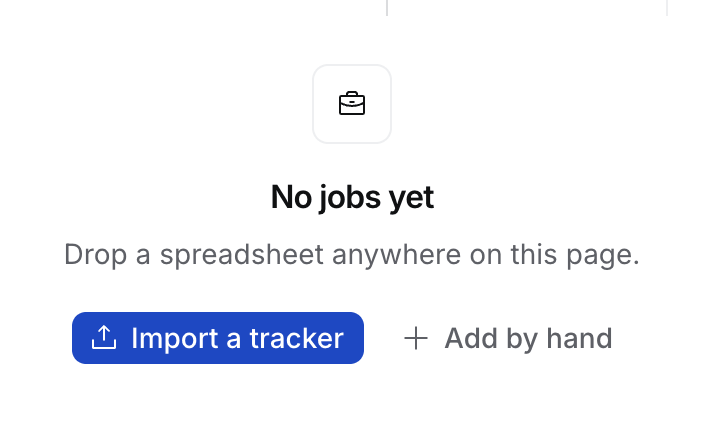
On an empty **Jobs**, **Candidates**, **Companies** or **Contacts** table, select **Import a tracker** or **Import a spreadsheet**, or drop the files.
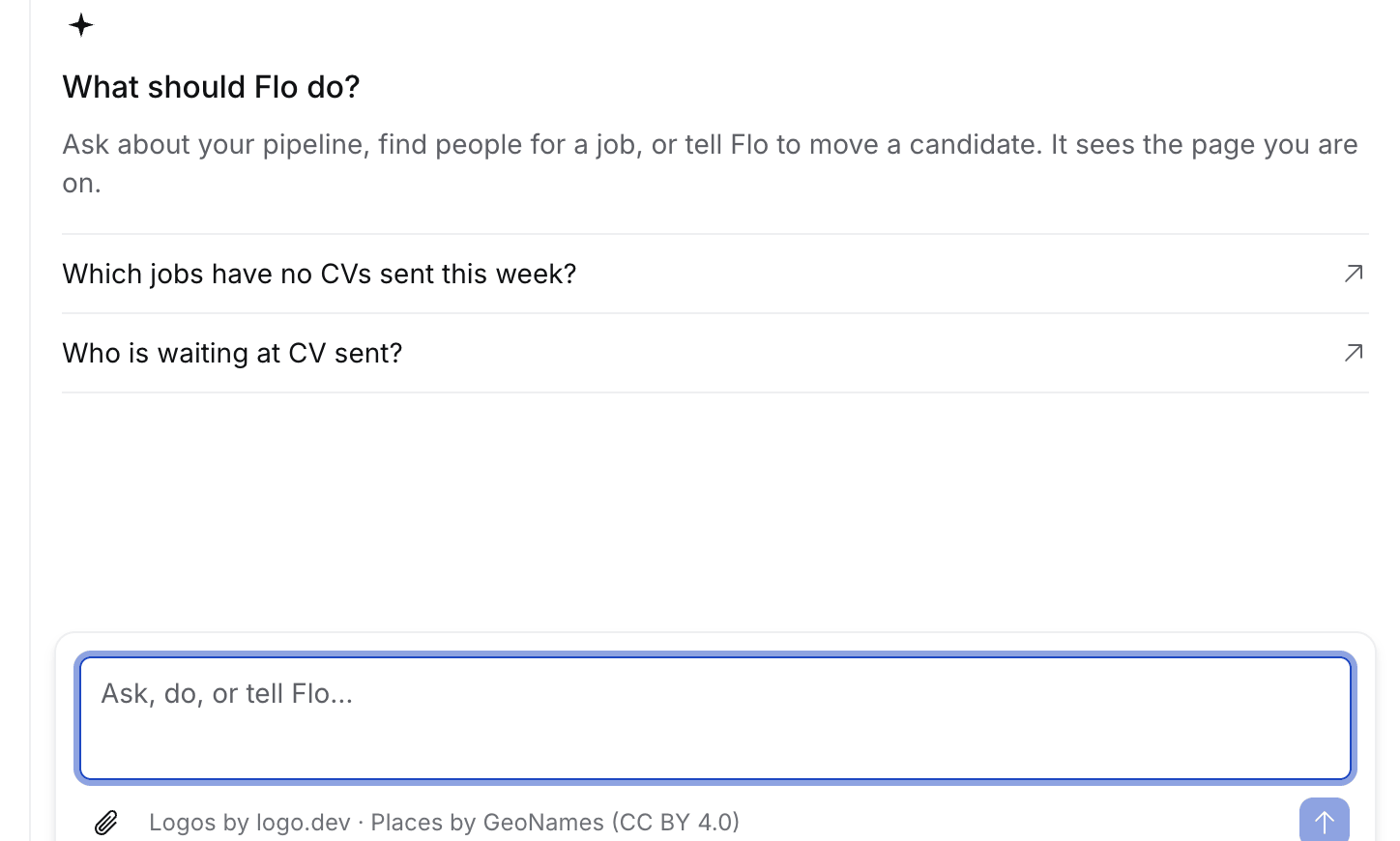
 Attach them in Flo (⌘K › **Ask Flo**), for example "my jobs board from Plane and our candidate list".
 Untick any row to leave it out, then select **Approve**. **Open full plan** shows it on its own page.
No screenshot of the plan card yet: it needs a live Flo turn with files, which the capture script doesn't run.
## What Flo reads
| Input | Notes |
| - | - |
| CSV, TSV, Excel (.xlsx, .xls) | Every sheet of a workbook |
| Google Sheets link | Shared as "Anyone with the link" |
| A table pasted in chat, or in a Word or PDF tracker | |
| Plane, Recruit CRM, Bullhorn, Zoho Recruit, Manatal exports | A stage Flo only guesses shows **Guessed** |
Flo creates Companies, Contacts, Jobs, Candidates and Applications at their real stages, then says what they lack. It still leaves out sensitive columns and colleagues, and never matches people by name.
A new person who may be someone you have is held, as in the spreadsheet import. The row says who, for example "looks like Thomas Nguyen", and offers **Link to existing**, **Create anyway** or **Skip**. A held person is not added unless you choose. A later row with the same email, phone or LinkedIn is the same person and is held with them. Your choice covers both rows.
## Where else to drop files
| Drop | Opens |
| - | - |
| One CSV or Excel file on a table | The [import dialog](/guides/how-to/import-contacts) |
| One CV on **Candidates** | A new candidate |
| Several CVs, a folder or a zip | [Upload CVs](/guides/how-to/import-candidates#upload-a-folder-of-cvs) |
| Anything else | Flo, up to five files |
## If something looks wrong
* **A row was left out.** A value didn't read as its field's type. The plan gives the reason.
* **You closed the chat mid-import.** It carries on when you open the chat again.
* **Wrong import.** Select **Undo import** on the plan card or a record's Activity within 14 days. Only the importer, Owners and Admins see it.
This documentation is built and hosted on [Mintlify](https://mintlify.com), a developer documentation platform.
Untick any row to leave it out, then select **Approve**. **Open full plan** shows it on its own page.
No screenshot of the plan card yet: it needs a live Flo turn with files, which the capture script doesn't run.
## What Flo reads
| Input | Notes |
| - | - |
| CSV, TSV, Excel (.xlsx, .xls) | Every sheet of a workbook |
| Google Sheets link | Shared as "Anyone with the link" |
| A table pasted in chat, or in a Word or PDF tracker | |
| Plane, Recruit CRM, Bullhorn, Zoho Recruit, Manatal exports | A stage Flo only guesses shows **Guessed** |
Flo creates Companies, Contacts, Jobs, Candidates and Applications at their real stages, then says what they lack. It still leaves out sensitive columns and colleagues, and never matches people by name.
A new person who may be someone you have is held, as in the spreadsheet import. The row says who, for example "looks like Thomas Nguyen", and offers **Link to existing**, **Create anyway** or **Skip**. A held person is not added unless you choose. A later row with the same email, phone or LinkedIn is the same person and is held with them. Your choice covers both rows.
## Where else to drop files
| Drop | Opens |
| - | - |
| One CSV or Excel file on a table | The [import dialog](/guides/how-to/import-contacts) |
| One CV on **Candidates** | A new candidate |
| Several CVs, a folder or a zip | [Upload CVs](/guides/how-to/import-candidates#upload-a-folder-of-cvs) |
| Anything else | Flo, up to five files |
## If something looks wrong
* **A row was left out.** A value didn't read as its field's type. The plan gives the reason.
* **You closed the chat mid-import.** It carries on when you open the chat again.
* **Wrong import.** Select **Undo import** on the plan card or a record's Activity within 14 days. Only the importer, Owners and Admins see it.
This documentation is built and hosted on [Mintlify](https://mintlify.com), a developer documentation platform.