> ## Documentation Index
> Fetch the complete documentation index at: https://docs.ascern.io/llms.txt
> Use this file to discover all available pages before exploring further.
# How to confirm the ideal candidate
> Check Flo's draft, fix what is wrong and confirm it so searches and CV review use it.
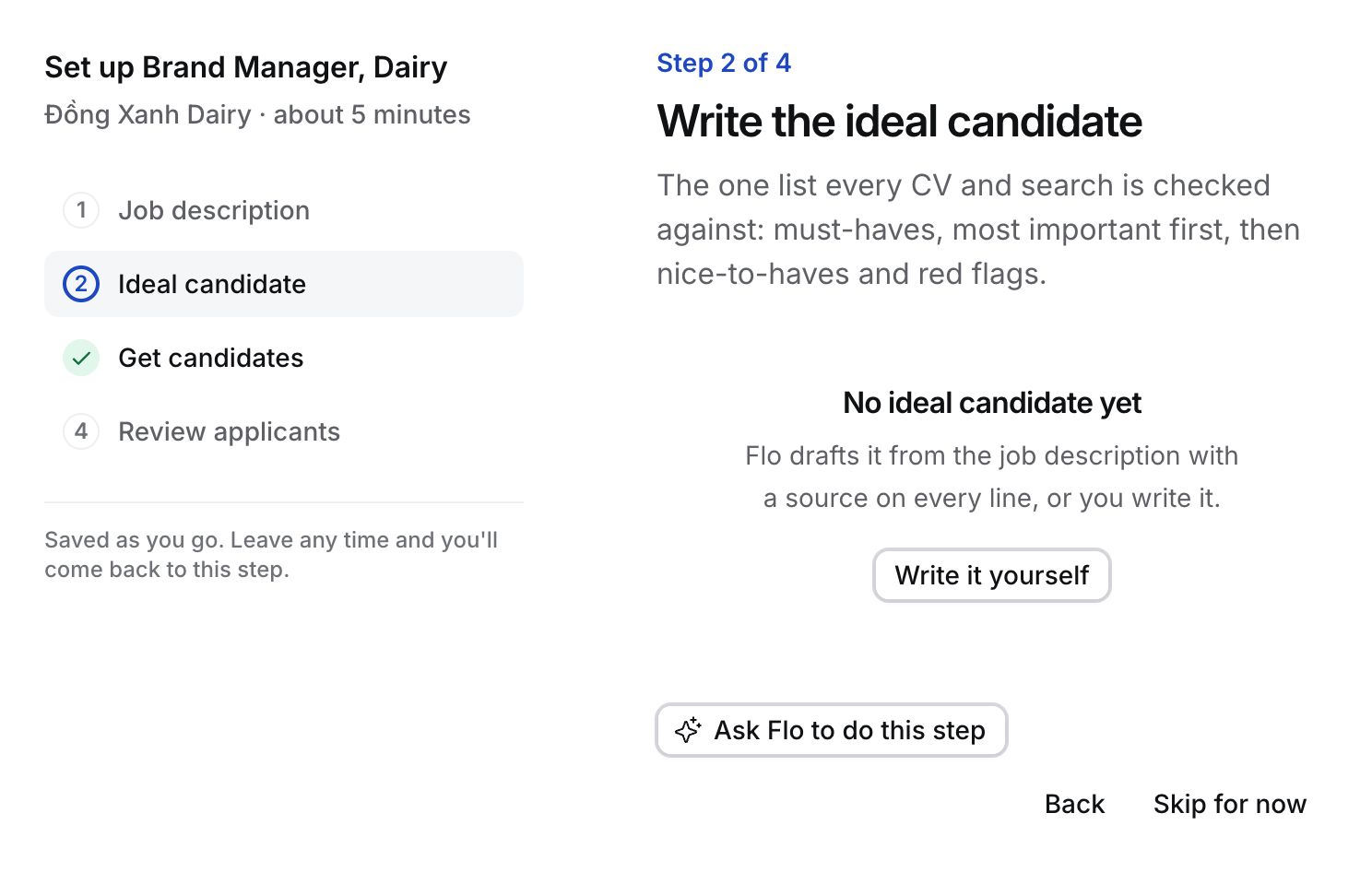
The ideal candidate is the one list every CV and search is checked against: 3 to 8 ranked must-haves, nice-to-haves and red flags. Each line names its source.
1. Open the Job's **Job description** tab, or step 2 of the guided setup.
2. Read each line. Select **Edit** to change, add or reorder lines. Put the must-have the client cares about most first.
3. Select **Confirm** (in the guided setup, **Confirm and start CV review**). The draft becomes the Active version, for example v2.
 ## What confirming does
* Searches and CV review use the Active version from now on. Nothing is judged against a draft.
* In the guided setup, confirming switches CV review on for the Job, unless someone already paused it.
* Every change makes a new version. Older versions stay, and each CV review names the version it was judged against.
## Change it later
Ask Flo, for example "add a red flag: only enterprise employers", or edit it on the Job description tab. Flo proposes the change as a draft. It only takes effect when a person confirms it.
This documentation is built and hosted on [Mintlify](https://mintlify.com), a developer documentation platform.
## What confirming does
* Searches and CV review use the Active version from now on. Nothing is judged against a draft.
* In the guided setup, confirming switches CV review on for the Job, unless someone already paused it.
* Every change makes a new version. Older versions stay, and each CV review names the version it was judged against.
## Change it later
Ask Flo, for example "add a red flag: only enterprise employers", or edit it on the Job description tab. Flo proposes the change as a draft. It only takes effect when a person confirms it.
This documentation is built and hosted on [Mintlify](https://mintlify.com), a developer documentation platform.